Integrating technology into everyday lessons does not mean rebuilding every lesson around a screen. It means choosing a small number of digital tools, using them for clear learning purposes, and keeping the habits that already work in your classroom. This guide is for teachers who want practical, steady progress: one tool at a time, tested in real lessons, with simple routines that students can learn and repeat.
The principle is straightforward. Technology should help students see something more clearly, practise something more effectively, discuss something more thoughtfully, or show what they have understood. If a tool does none of those things, it is decoration, and decoration rarely survives a busy school week.
Integrating technology into everyday lessons, one step at a time
Choose one tool and give it one job for a few weeks. For example, use a single quiz tool only for end-of-lesson checks, or use the interactive display only for modelling worked examples. When the purpose stays narrow, students learn the routine quickly, and you learn what the tool can and cannot do.
Write the purpose in one sentence before the lesson: students will use the quiz to show which step in the method they find difficult. That sentence keeps preparation focused, and it gives you a fair test afterwards.
A sensible first choice is a tool that:
- solves a problem you already have, such as slow feedback or too few ways to check understanding;
- works on the devices your students actually have;
- takes only a few minutes to set up once you know it;
- lets students produce or explain something, not only watch or tap.
Resist adding a second new tool in the same week. Confidence grows when a routine becomes ordinary, and ordinary is exactly the point: the technology fades into the background and the learning stays in front.
Using interactive displays well
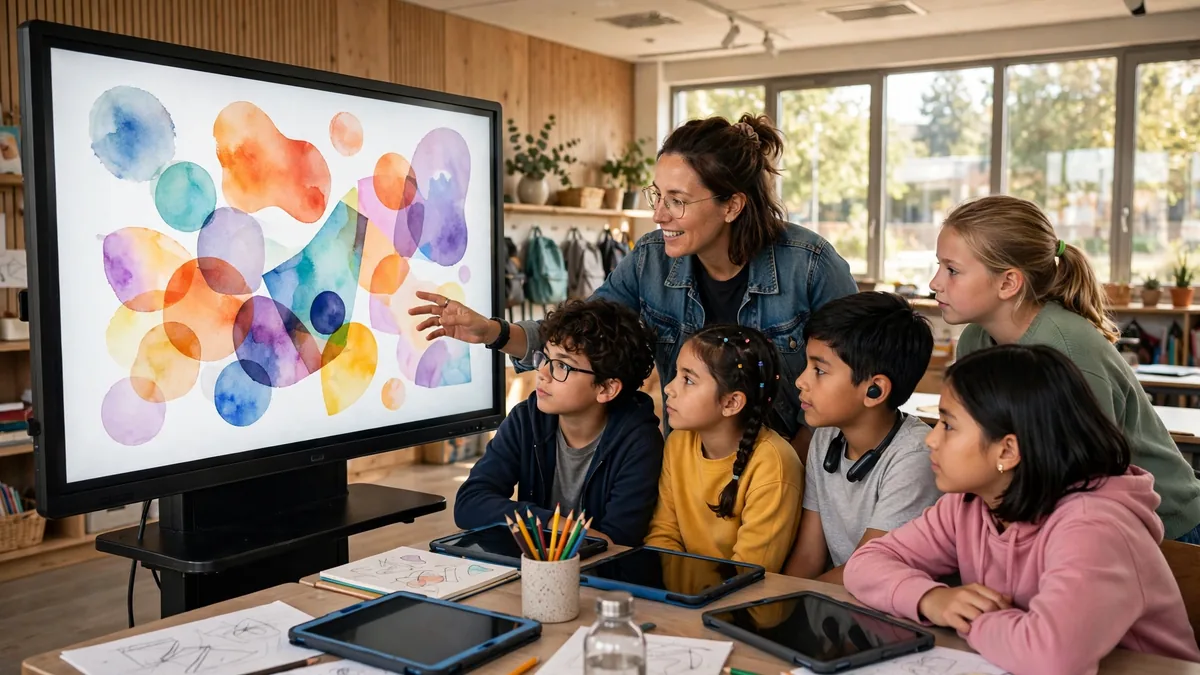
An interactive display works best as a shared thinking space, not as a larger television. Use it to model a method while you think aloud, to annotate a text together, or to compare two student answers side by side and ask the class to explain the difference. Short, active moments like these give the whole room a common focus.
Invite students to the display with a clear task. Ask a pupil to drag labels onto a diagram, highlight the sentence that supports an answer, or sort examples into groups while classmates justify each move. The rest can discuss in pairs, so everyone is involved.
Displays also support collaboration away from the board. A shared document or canvas, projected at key moments, lets a class build an answer together and see it improve. Our guide to strategies for promoting student collaboration through technology shows how to structure that group work so every student contributes, not only the confident few.
Keep the basics reliable. Arrive with files open, links checked and a board pen that works. Have a low-tech fallback, such as mini-whiteboards, ready for the day the network fails. A calm Plan B protects the lesson, and it protects your confidence in trying again tomorrow.
Tablets and apps, subject by subject
Tablets and apps earn their place when they are matched to the subject and the task. The same device can be a laboratory, a library, a studio or a practice partner, depending on the lesson. A few examples show the pattern.
- Mathematics: use dynamic geometry or graphing apps so students can change a value and see the effect at once, and ask them to predict before they slide or tap.
- Science: use simulations to test variables that are slow, costly or unsafe to repeat with real equipment, and pair the simulation with a written prediction and a conclusion.
- English and languages: record short readings or dialogues, listen back, and re-record after feedback; use dictionaries to check real examples of a word in use.
- History and geography: explore maps, timelines and primary sources together, and ask students to note what a source shows and what it leaves out.
- Art, music and design: sketch, compose or edit digitally when drafting and revising matter, and keep a folder of versions so students can explain how their work improved.
Whatever the subject, set the same expectations: devices face down until the task begins, the teacher chooses the apps for that lesson, and every digital activity ends with something students can explain, submit or discuss. For tasks that ask students to question, compare and justify, see our article on strategies for promoting critical thinking through digital learning tools, which connects digital tools to deeper thinking rather than more clicking.
Quick formative quizzes and faster feedback
Short quizzes are one of the easiest ways to check understanding during a lesson rather than after it. Three to five questions at the start can reveal what students remember from last time. The same number partway through can show whether a new idea has landed before you move on.
Act on the results while they are still useful. If many students miss the same question, reteach that point with a different example before continuing. If only a few are stuck, pair them with a classmate who can explain, and check again later. The value lies in your response, not in the colourful results screen.
Keep quizzes low-stakes. Tell students that these checks guide your teaching and carry no grade, and they will answer more honestly. Mix question types: a multiple-choice item for speed, and a short answer for reasoning.
Game-based formats can add energy to a review session when they are used sparingly and the questions stay demanding. Our article on how teachers can incorporate gamification to motivate students effectively explains how points, challenges and team play can motivate students without turning the lesson into a contest about speed alone.
Video and virtual trips that earn their place
Video works best in short, purposeful bursts. Play a brief clip to introduce a place, a process or a problem that students cannot see directly, then stop and ask questions. A short pause for paired discussion usually teaches more than a long stretch of uninterrupted watching. Give students a viewing task first, such as noting one cause, one surprise or one question.
Virtual trips extend the same idea. Students can walk through a museum, a historical site, a habitat or a workplace and gather evidence for a task you set in advance. Prepare them with key vocabulary and a simple recording sheet: what to find, what to note, and what claim they will support afterwards. Back in class, the trip becomes material for writing, discussion or presentation.
Choose video and virtual experiences with the same care as any other resource, checking length, language level and accessibility before the lesson. Our guide to tips for using multimedia and visual materials to support learning offers practical advice on selecting visual materials so they support the objective instead of filling time.
Technology for accessibility and differentiation
Technology can remove barriers that have nothing to do with ability. Text-to-speech lets a student hear a passage while following it in print. Speech-to-text lets another student draft ideas without handwriting slowing them down. Adjustable text size, contrast settings, captions on video and translation support for key vocabulary can all be switched on quietly, without drawing attention to the student who needs them.
Differentiation becomes more manageable, too. Set the same core task for everyone, then vary the support: a word bank or sentence starters for some, an extension question for others, and a choice of how to present the answer, such as writing, audio or a labelled diagram. Digital templates make those variations quick to prepare and easy to reuse. For a fuller treatment, our article on tips for using teaching resources to support inclusive classrooms looks at choosing resources that include every learner from the start.
Adaptive practice tools can also adjust difficulty as students work, offering more support after mistakes and harder questions after success. Used carefully, they free you to spend time with the students who need a person, not a program. Our piece on how gamification supports adaptive and personalized learning experiences explores how that kind of personalised practice can be structured well.
A simple routine for integrating technology into everyday lessons
A short routine keeps planning realistic. Before the lesson, work through five questions:
- What exactly should students learn, and how will I know?
- At which moment would technology genuinely help: showing, practising, discussing or checking?
- Which single tool fits that moment, and have students used it before?
- What will students produce with it, and how long should that take?
- What is my fallback if the technology fails?
After the lesson, note one line in your planner: keep, adjust or drop. That small record stops you repeating preparation that did not pay off, and it builds a personal library of activities that work with your classes. Over a term, this steady approach to integrating technology into everyday lessons builds a toolkit you trust, because every part of it has survived contact with a real classroom.
A worked example: photosynthesis in a science lesson
The goal is for students to explain how light intensity affects the rate of photosynthesis. The lesson opens with a short quiz on earlier learning about leaves and gases. Next, the teacher models a simulation on the interactive display, thinking aloud while changing the light intensity once. Pairs then run the simulation themselves and record their results in a shared table. The teacher projects two contrasting results, and the class discusses why they differ. To finish, students answer three exit questions and write two sentences explaining the pattern in their own words. A printed set of results is the fallback if devices fail.
Common pitfalls and how to avoid them
Tech for its own sake. A new app in every lesson exhausts students and preparation time alike. Avoid it by starting from the learning goal, reusing familiar tools, and dropping anything that does not improve showing, practising, discussing or checking understanding.
Unequal device access. Not every student has the same device or connection at home. Keep essential digital work inside the lesson, design pair work around shared devices, and always offer an offline or paper route to the same learning, so no student is disadvantaged by their circumstances.
Distraction. Screens invite wandering attention. Set clear start and stop signals, keep device-free moments for explanation and discussion, agree expectations with the class, and circulate so you can see screens as students work. Short, well-timed activities leave less room for drift than long, open-ended sessions.
Keeping the habit small and sustainable
You do not need a complete digital overhaul to teach well with technology. Pick one tool, give it one clear job, and use it until the routine feels ordinary. Review what it tells you about learning, keep what works and let the rest go. Done patiently, integrating technology into everyday lessons becomes part of good teaching rather than an extra demand on top of it, and your students gain clearer explanations, faster feedback and more ways to show what they know.